

When you launch a WebRTC project on a local network or test calls between two home routers, a direct connection via STUN works flawlessly. The problems start in production. Around 15 to 20 percent of users are behind NAT, carrier-grade CGNAT on mobile networks, or strict corporate firewalls. Without a reliable relay server (TURN), these clients stare at an endless connecting screen and leave.
For years, Coturn remained the default standard. It is a monolithic powerhouse that supports dozens of legacy specifications and databases. Yet when you need to quickly spin up and scale media relay nodes under real-world load, the classic Coturn approach turns into a constant struggle with configuration files and operating system settings.
What You Face When Maintaining Coturn in Production
When deploying a standard TURN server from a Linux package manager, a developer immediately runs into five infrastructure challenges that must be solved manually on every new server.
1. Bloated Config and Manual External IP Mapping
The turnserver.conf file spans hundreds of lines of flags, half of which are obsolete. On cloud virtual machines, the server often does not know its actual public IPv4 address. You end up writing bash wrapper scripts to detect the external address on container or VM startup, inject it into external-ip, and separately open port 3478 along with the relay port range from 49152 to 65535 in ufw or firewalld.
2. The Need to Write a Separate Backend for Issuing Ephemeral Credentials
Passing a static TURN username and password to the browser is not an option: any user can open the network tab in developer tools, grab the credentials, and start relaying third-party traffic at your expense. The ephemeral token mechanism in Coturn requires you to spin up a separate HTTP service on your own backend, synchronize a shared secret key, generate an HMAC signature with a TTL, and return JSON to the client before creating an RTCPeerConnection.
3. UDP Packet Loss Due to Default Linux Kernel Buffers
By default in most Linux distributions, the socket buffer sizes net.core.rmem_max and net.core.wmem_max are around 208 KB. When several dozen video streams flow through a TURN server simultaneously or a sudden spike in voice traffic occurs, the kernel silently drops UDP packets before the application even has a chance to read them from the socket. Without forcefully increasing the buffers via sysctl to 8 MB and distributing the load across CPU cores via SO_REUSEPORT, voice audio starts breaking up.
4. Vulnerability to SSRF Attacks via Relaying
By nature, a TURN server accepts packets from an external client and forwards them on its own behalf. If you forget to strictly block local subnets via access control lists during manual configuration, an attacker can request packet forwarding to a cloud provider's internal metadata address like 169.254.169.254, to localhost, or into the internal private network of your infrastructure.
5. Lack of Built-in Verification and Load Testing
After starting the systemd service, you see an active status, but that does not guarantee relaying actually works from the outside. You have to open third-party web utilities like Trickle ICE, manually type in addresses, and guess why an Allocate request fails or what actual jitter the server produces under load.
How I Solved These Challenges in Slyber TURN Server
To eliminate manual routine across my WebRTC projects, I built Slyber TURN Server in Go on top of the pion/turn/v4 library. The core architectural idea is simple: the server ships as a single statically compiled binary for linux/amd64 and linux/arm64 without a single external system dependency.
Instead of editing lengthy configuration files, all network preparation is built directly into the binary itself and the installation script:
- Automatic network detection and kernel tuning. On startup, the server automatically detects its external IPv4 via a fast STUN request, spins up multiple UDP listeners matching the number of CPU cores with the
SO_REUSEPORTflag, and expands thermem_maxandwmem_maxsystem buffers to 8 MB. - Built-in HTTP API for issuing credentials. The server runs an internal protected endpoint
/api/turn-credentialswithOriginvalidation, rate limiting, and IP whitelisting. Generating a localHMACtoken takes 0 ms, so a separate authorization microservice is no longer needed. - Out-of-the-box SSRF protection and mobile network handling. By default, the filter blocks requests to cloud metadata at
169.254.0.0/16andfd00:ec2::254/128, loopback interfaces, and local subnets while preserving TURN Hairpinning support. And when a mobile client switches between WiFi and LTE, the server groups sessions byuser_idand automatically cleans up hanging sockets within 5 seconds.
| Parameter | Slyber TURN Server | Classic Coturn |
| Installation and dependencies | Single static binary | OS packages and external libraries |
| Browser token issuance | Built-in HTTP endpoint | Requires a custom backend script |
| Linux buffer tuning | Automatic up to 8 MB | Manual sysctl.conf editing |
| Cloud metadata protection | Enabled by default | Manual ACL rule configuration |
| Dead LTE socket cleanup | 5 seconds by user_id | Waits for global timeout |
| Diagnostics and benchmarking | Built into the binary CLI | None |
Single-Command Deployment on Linux
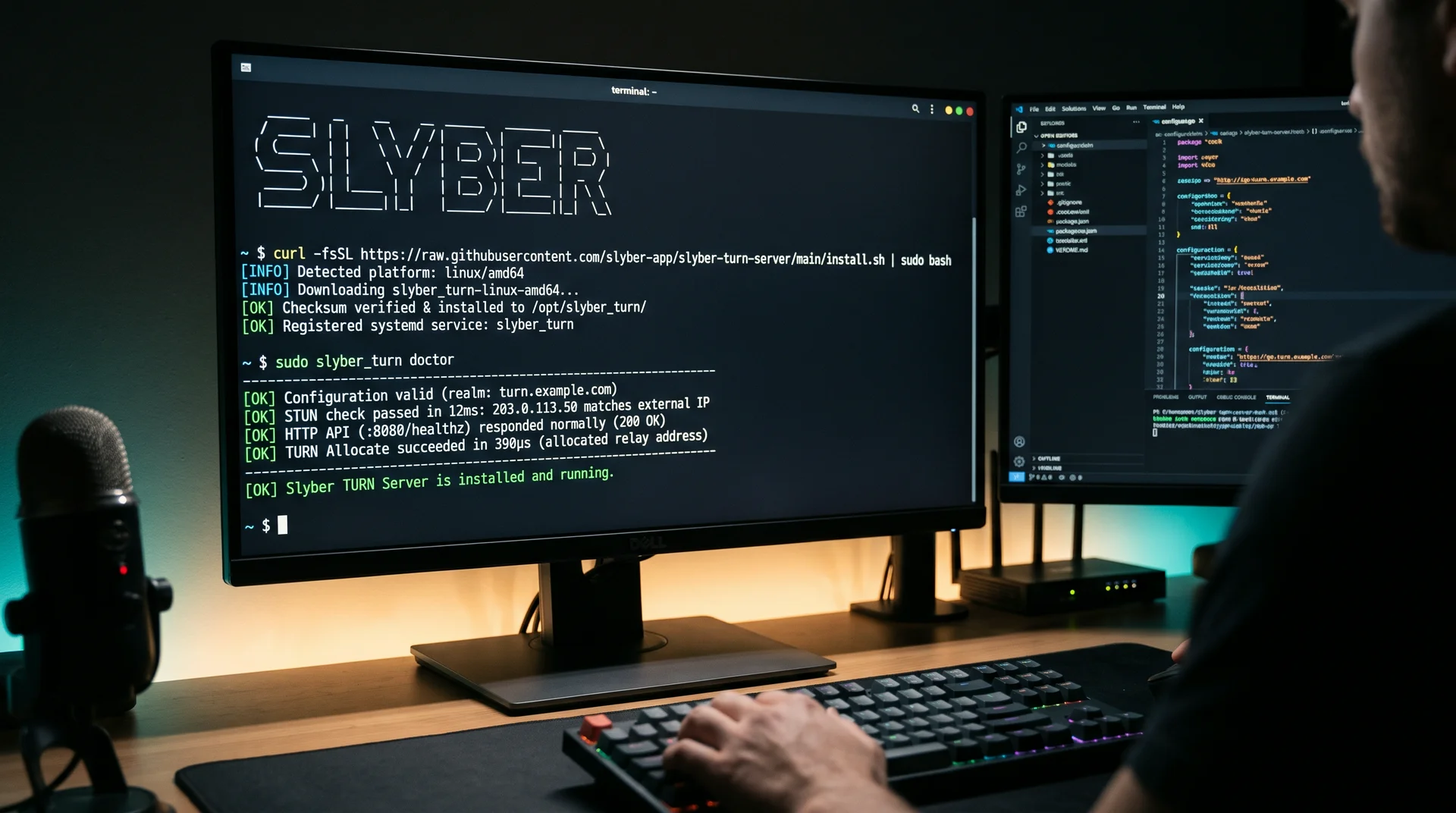
The entire installation process boils down to running a single script. It checks the CPU architecture, verifies the SHA256SUMS checksum, tunes kernel network parameters, opens the required ports in ufw or firewalld, creates the environment file at /opt/slyber_turn/.env, registers the systemd service, and immediately runs self-diagnostics:
Bash
curl -fsSL https://raw.githubusercontent.com/slyber-app/slyber-turn-server/main/install.sh | sudo bashIf you want to immediately set your own domain, HTTP API port, or strictly cap per-session bandwidth via the built-in atomic rate limiter, pass the parameters directly into the installation command:
Bash
curl -fsSL https://raw.githubusercontent.com/slyber-app/slyber-turn-server/main/install.sh | \
  sudo REALM="turn.example.com" \
       PUBLIC_IP="auto" \
       HTTP_PORT=":8080" \
       MAX_KBPS_PER_SESSION="2000" \
       bash
Right after installation, the built-in slyber_turn doctor utility verifies actual packet flow and performs a live test relay allocation:
[OK] Configuration valid (realm: turn.example.com, relay port pool: 49152-65535, capacity: 16384 sessions)
[OK] HTTP API protection active (origins: 1, require_secret: false)
[OK] STUN check passed in 12ms: PUBLIC_IP (203.0.113.50) matches external IP
[OK] HTTP API (:8080/healthz) responded normally (200 OK)
[OK] TURN Allocate succeeded in 390µs (allocated relay address: 203.0.113.50:50124)
At any time, you can stress-test the server with synthetic traffic right from the terminal using sudo slyber_turn bench -clients 20 -duration 5s to see actual RTT latency, packet loss, and RFC 3550 jitter before onboarding live users.
Connecting to a Browser WebRTC Client
Since ephemeral credential generation is already built into the server, client-side code shrinks to a single request prior to peer initialization:
JavaScript
const res = await fetch("https://turn.example.com/api/turn-credentials?user_id=user_42");
const turn = await res.json();

const pc = new RTCPeerConnection({
  iceServers: [{
    urls: turn.uris,
    username: turn.username,
    credential: turn.password
  }]
});
For under-the-hood monitoring, the server provides a /metrics endpoint in Prometheus format, 24-hour statistics at /api/node-stats with port pool tracking, and an events.jsonl event log.
You can view the full technical specification and grab the management commands on the Slyber TURN Server project page.